 Skip to main content

No matter what you're designing, it is crucial to consider the environment in which it will operate.
You must be able to answer, what are the effects of a specific kind of environment? Have the effects of solar loading, humidity, wind, or other phenomena been properly considered?
Because the world does not operate in steady-state, transient simulation of your design's environment is necessary for an accurate thermal analysis. Our expert engineering team can assist you in predicting the effects of any climate.
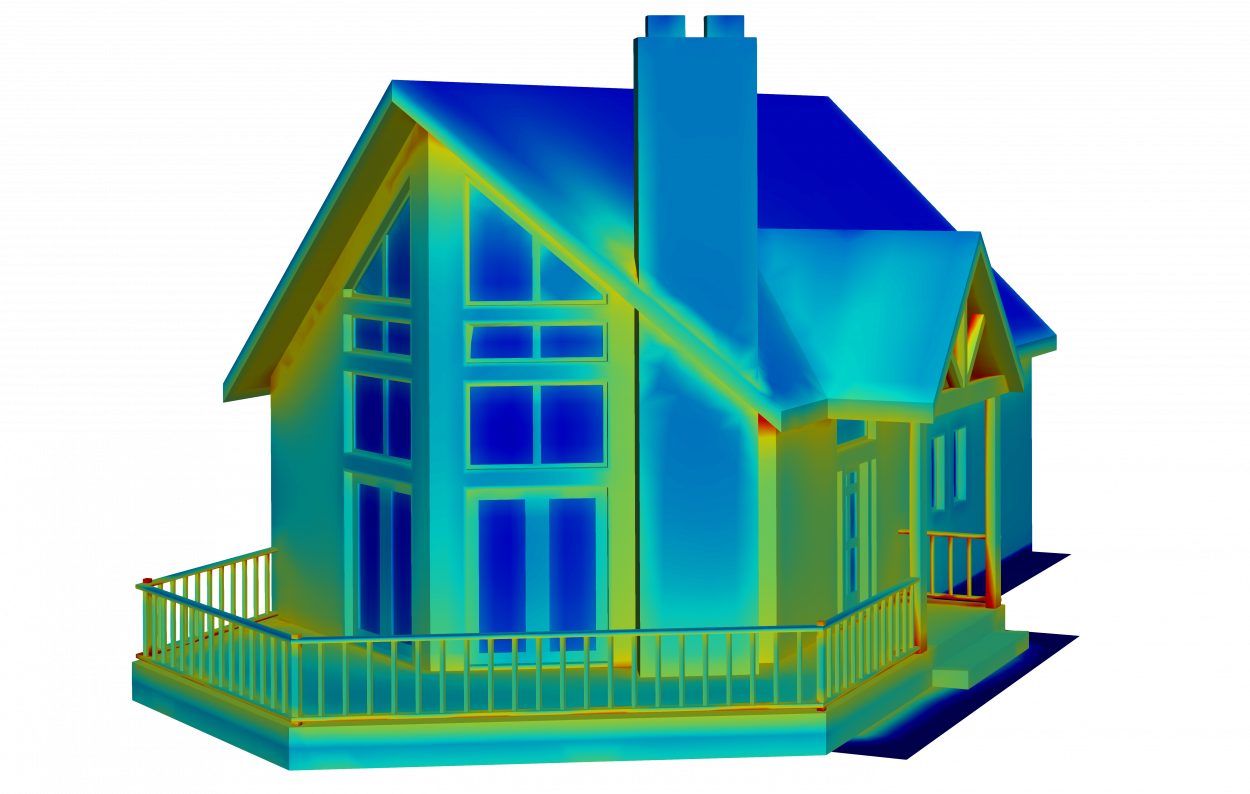
Natural Effects
Using our thermal analysis software, TAIThermTM, our engineers can model transient solar loads, wind speed, air temperature, and other environmental factors to ensure optimal operation of your design. For outdoor environments, you only need to know the location, date, time, and temperature information in order to model a natural environment’s effect on your product. TAITherm will predict the moving solar position, solar loading, and heat transfer for the selected environment and your design. We can easily run multiple environmental scenarios for long transient durations in order to develop a complete understanding of the typical use cases.
Material Properties
In addition to modeling the environment, our engineers can simulate your chosen materials and see how they will perform in the outlined scenario. Transparent materials, such as glass, are gaining popularity in a variety of industries. Not only is glass more prevalent, but it is being used in more complex shapes than ever before. These trends could create a perfect storm for unintended effects (remember the Death Ray hotel?). A proper environmental analysis will ensure that your design can not only withstand its environment but have no unintended consequences.
The Human Element
Our engineers can model the thermal comfort of your users. Using our Human Thermal Extension, we can provide a detailed analysis of thermal comfort and safety. Using physiological size, height, weight, clothing ensembles, and activity levels, we will simulate how someone will feel while sitting in the cabin of a vehicle, wearing a VR headset, or while wearing particular clothing layers—in any environment.
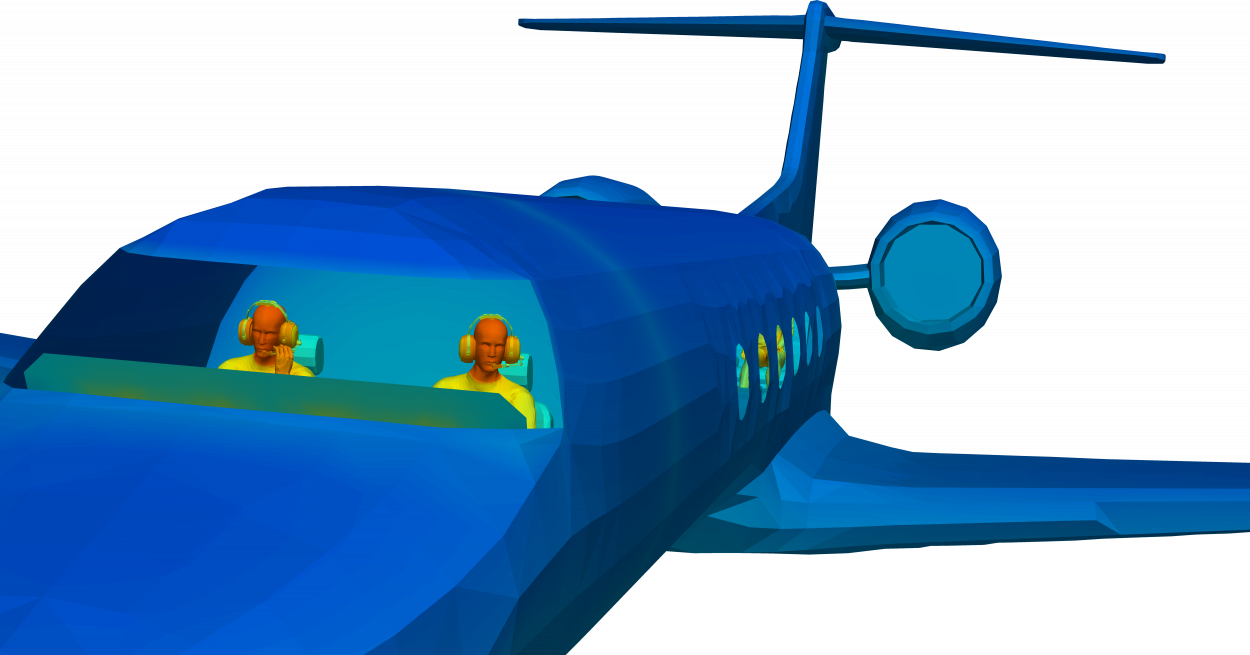
Thermal Comfort with Transient Environment in Mind
Our team can provide insight into a proper thermal management strategy for your environmental analysis. Let's talk and discuss a custom solution for your thermal management problems.
You Might Also Be Interested In:
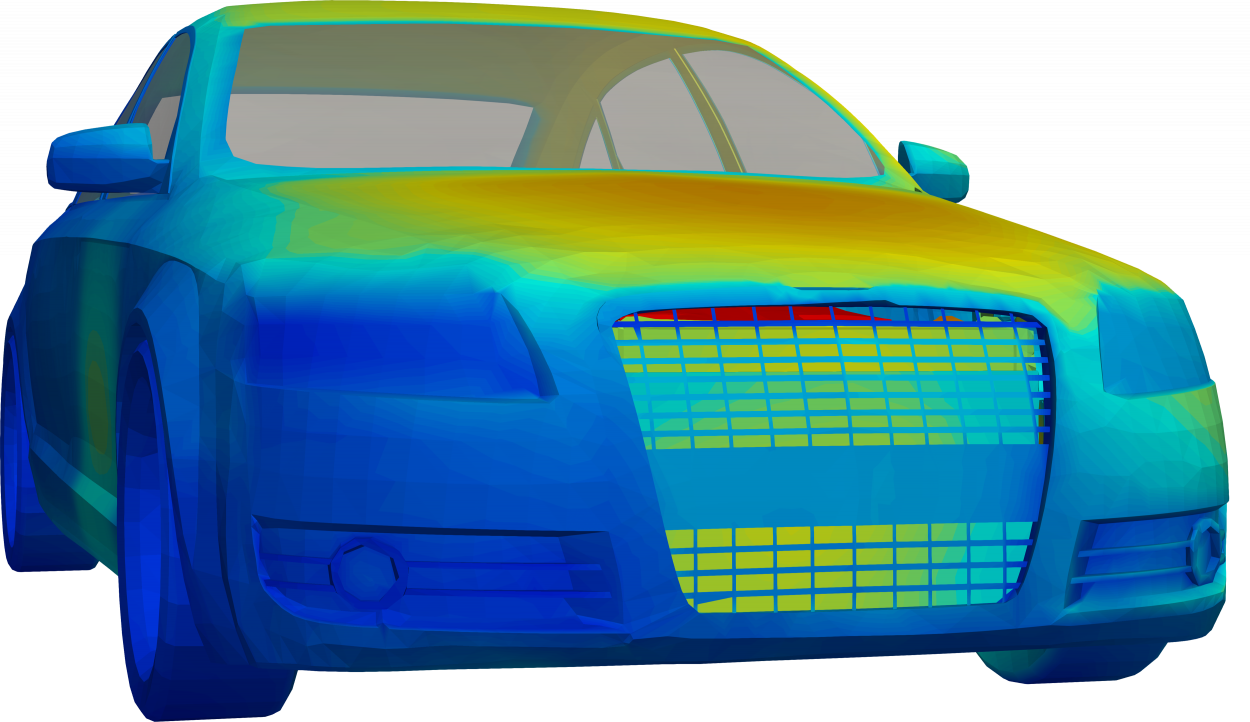
Take charge
Shifting automotive and electronic industries are requiring more out of the battery performance consumers interact with on a daily basis. From the range of hybrid and electric vehicles to wearable devices and cell phone batteries, they have expectations for long-lasting and fast-charging battery units.
Our team of battery experts can model the complexities of your battery and provide a complete thermal analysis by using TAITherm with the Battery Extension.
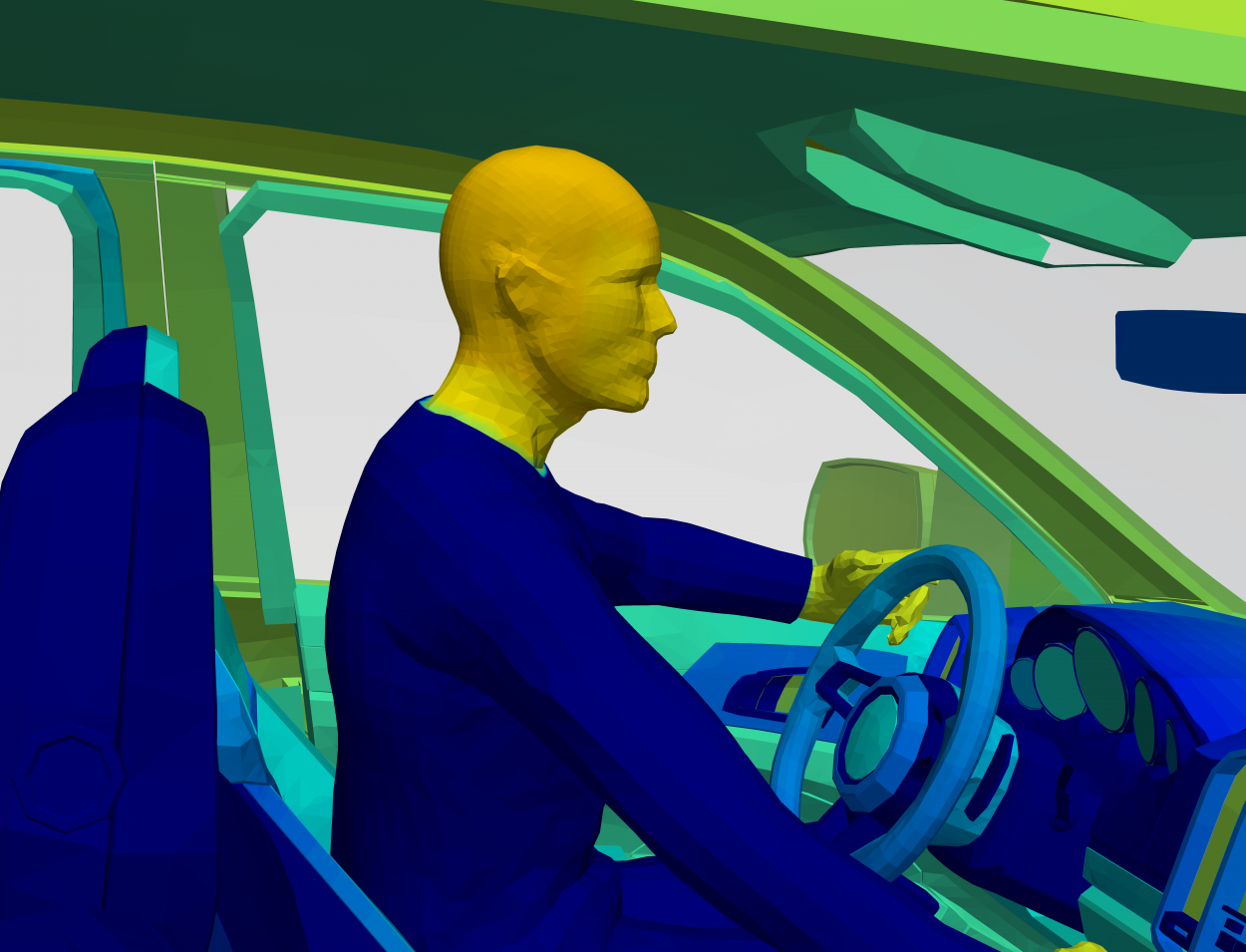
Optimize Occupant Comfort
Because of the time spent in homes, offices, and vehicles traveling between the two, the automotive, architecture, and aerospace industries are all attempting to reach optimal occupant comfort for the utmost satisfaction of their customers. Our expert engineers have the knowledge and skills you need to predict cabin comfort and determine HVAC efficiency for your comfort strategies. They'll help you analyze localized heating and cooling, HVAC systems, and human sensation and comfort to ensure your customer's comfort.
Testing & validation services
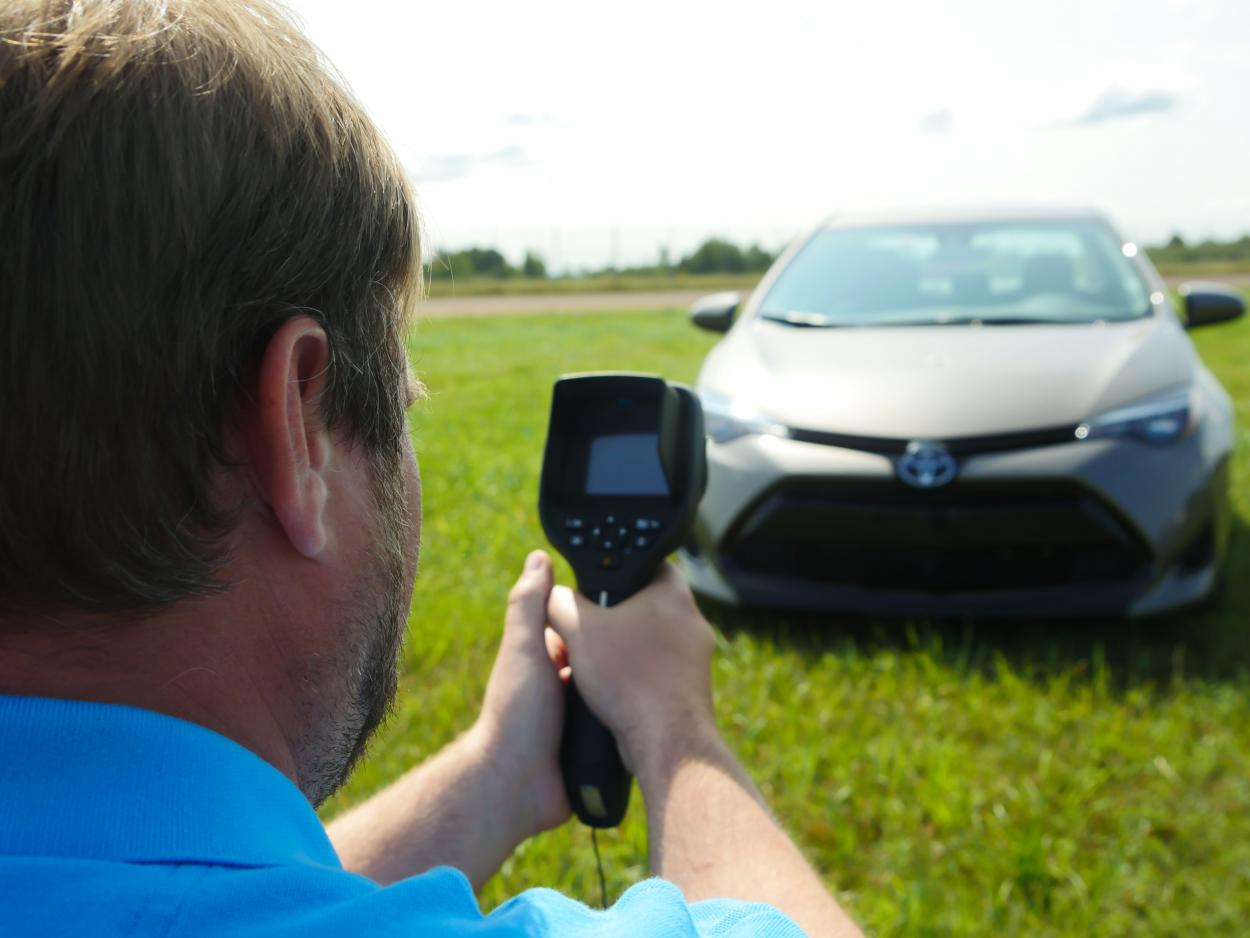
Our thermal test experts will come to your site to collect real-world thermal data. Our team is equipped with tools that capture the complete operating environment, which allows for better simulations and more accurate predictions of performance.
After gathering test outcomes, our team will validate the simulation results from TAITherm by quantifying the error against physical test data. The validation process ensures that the model is accounting for all methods of heat transfer, and providing accurate results based on the operating environment.
Getting Started
Let's talk
If you would like to learn more about our Environmental Analysis service and how it can provide you with an actionable design direction, reach out! We will demonstrate how our software will fit your specific requirements and help you understand the way the environment affects your design.
Support
We are here to work with you at every step. We support our customers throughout your service project with excellent communication; we are only a phone call or email away. Our commitment to you never changes.