 Skip to main content


Simulate the complete range of heat transfer phenomena, from
convection to radiation, storage to dissipation, and steady-state
to dynamic and transient environmental influences.
3D Thermal Simulation Software
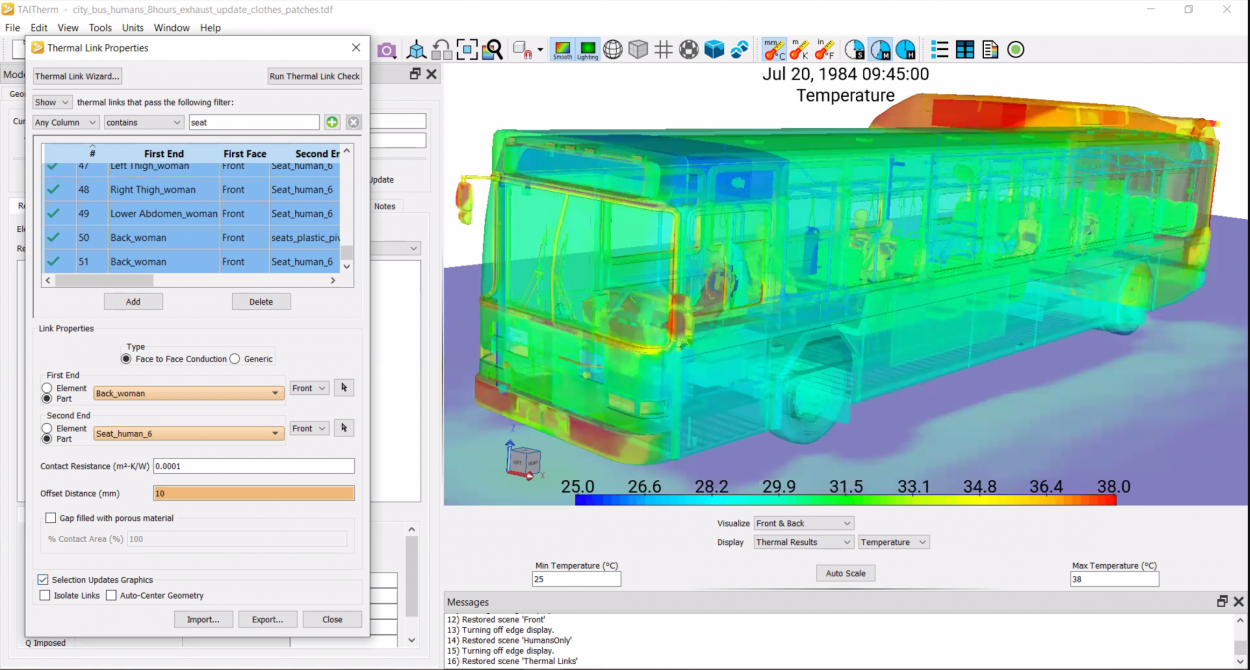
TAIThermTM is a 3D thermal simulation software that predicts temperatures using transient or steady-state analysis. TAITherm thermal analysis software is as easy to use as it is powerful. It solves for solar and thermal radiation, convection, and conduction, including ever-changing environments. TAITherm removes the burden of complicated thermal simulations and ensures that your design will function optimally in real-world scenarios.

Software for Engineers
TAITherm is used by thousands of engineers and teams around the globe. Our customers use TAITherm for an array of applications including the latest advancements in automotive, electronics, wearables, military technology, architecture and more. Our customers are pushing the boundaries of new technology by increasing usability, safety, and effectiveness in their industries through thermal simulations and thermal analysis.
Meet Your Deadlines
TAITherm is fast—solving complex thermal simulation models in days instead of weeks without sacrificing accuracy. Our users have extensive control over the trade-off between computation time and fidelity by modifying the mesh size, time-step size, material properties, and other inputs.
Features
Advanced Thermal Solver
TAITherm uses a multi-grid method for solving the heat transfer equations. This method allows the solver to efficiently converge in a small number of iterations for even finely meshed models. The solver within ThermoAnalytics' thermal analysis software runs in parallel using local or distributed memory, easily making use of multi-core workstations or HPC resources.
Multi-mode Heat Transfer
TAITherm takes all modes of heat transfer into account. Gain a full and accurate picture of the thermal behavior interactions your product will undergo.
Intuitive GUI
TAITherm’s interface is simple to use and easy to learn. After our two-day training, you will be skilled at using the thermal analysis software on your own.
See What It Can Do
Curious about TAITherm's capabilities? Watch this.
TAITherm is always getting better, with new features rolling out regularly. Here are some of the latest updates.
Transient Thermal Predictions for Your Design
TAITherm focuses on transient thermal analysis to deliver answers faster without sacrificing accuracy. Transient analysis reduces your time-to-market while producing customer-satisfying designs.
Extensions
Beyond Comfortable
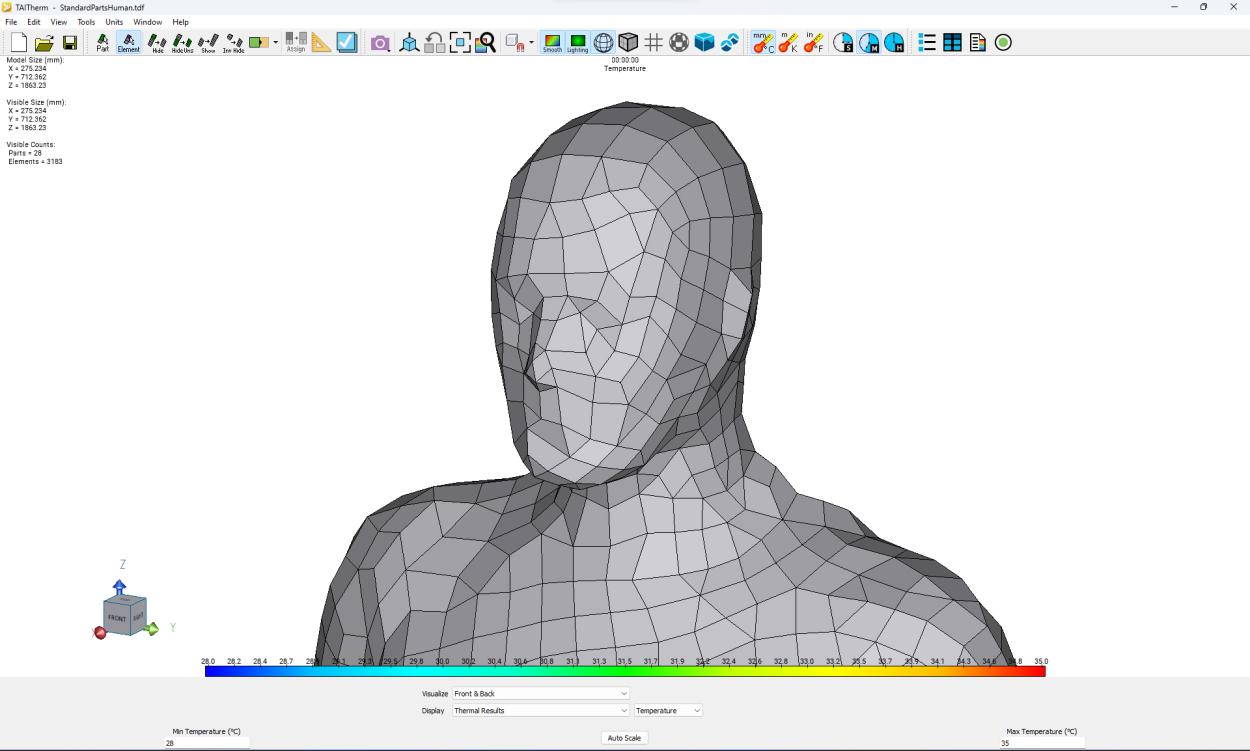
Our Human Thermal Extension is the state-of-the-art technology for predicting human thermal comfort, safety, and effectiveness. It operates within our thermal analysis software, TAIThermTM, to comprehensively simulate human thermal sensation and thermoregulation under transient and asymmetric environmental conditions. Users can simulate all thermoregulatory responses based on many factors, including activity level. We have developed a comprehensive library of standard human models in various poses, including female and male physiologies. We have also developed an extensive clothing database for rapid model setup.
Take Charge with Thermal Simulation
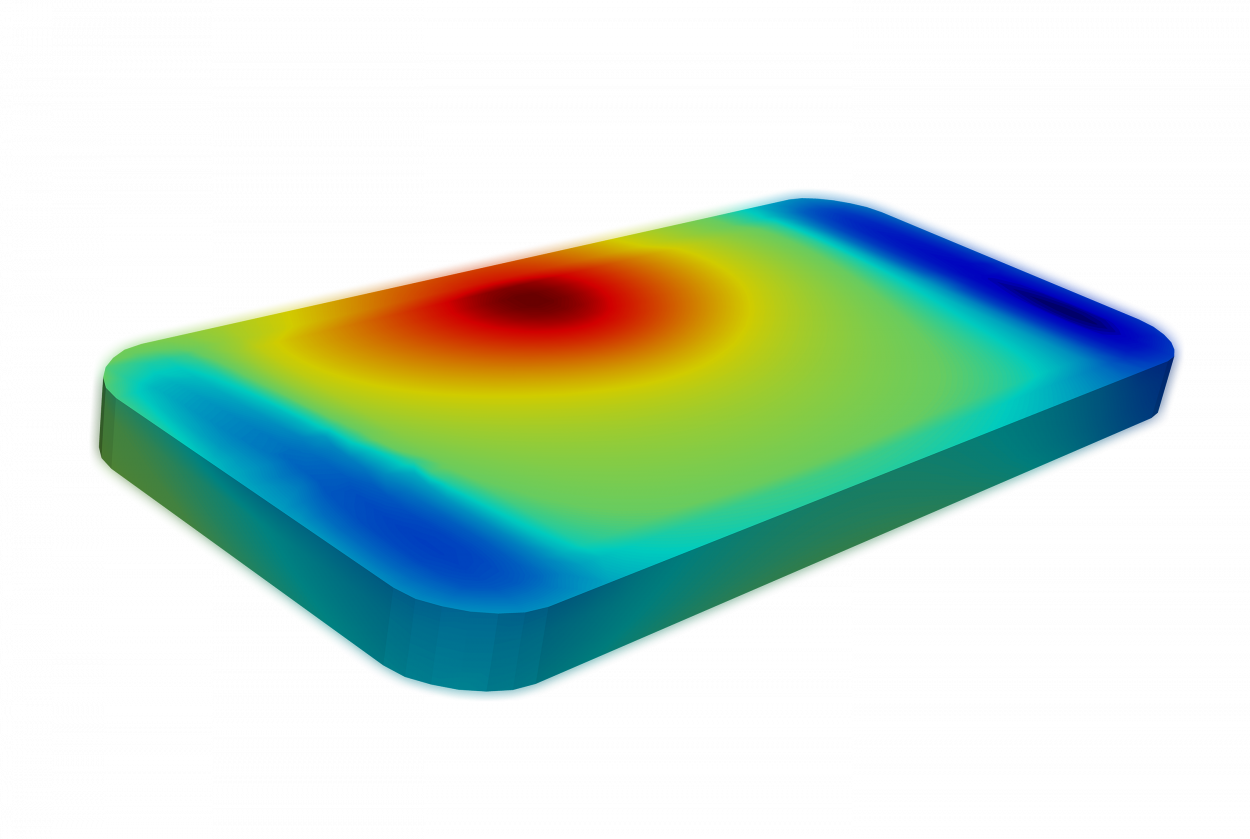
The Battery Extension is designed to analyze the complexities of your batteries at a cell and pack level. As a licensed component of TAITherm, it uses thermal simulation to determine the lifetime, durability, and safety of your battery system. You can verify design choices, and mitigate complications due to safety issues including thermal runaway and aging.
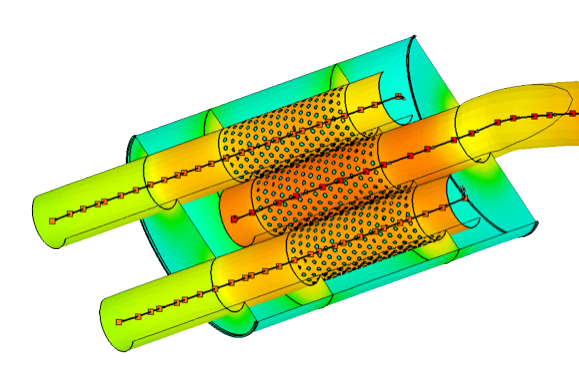
Improved Heat Protection Strategies
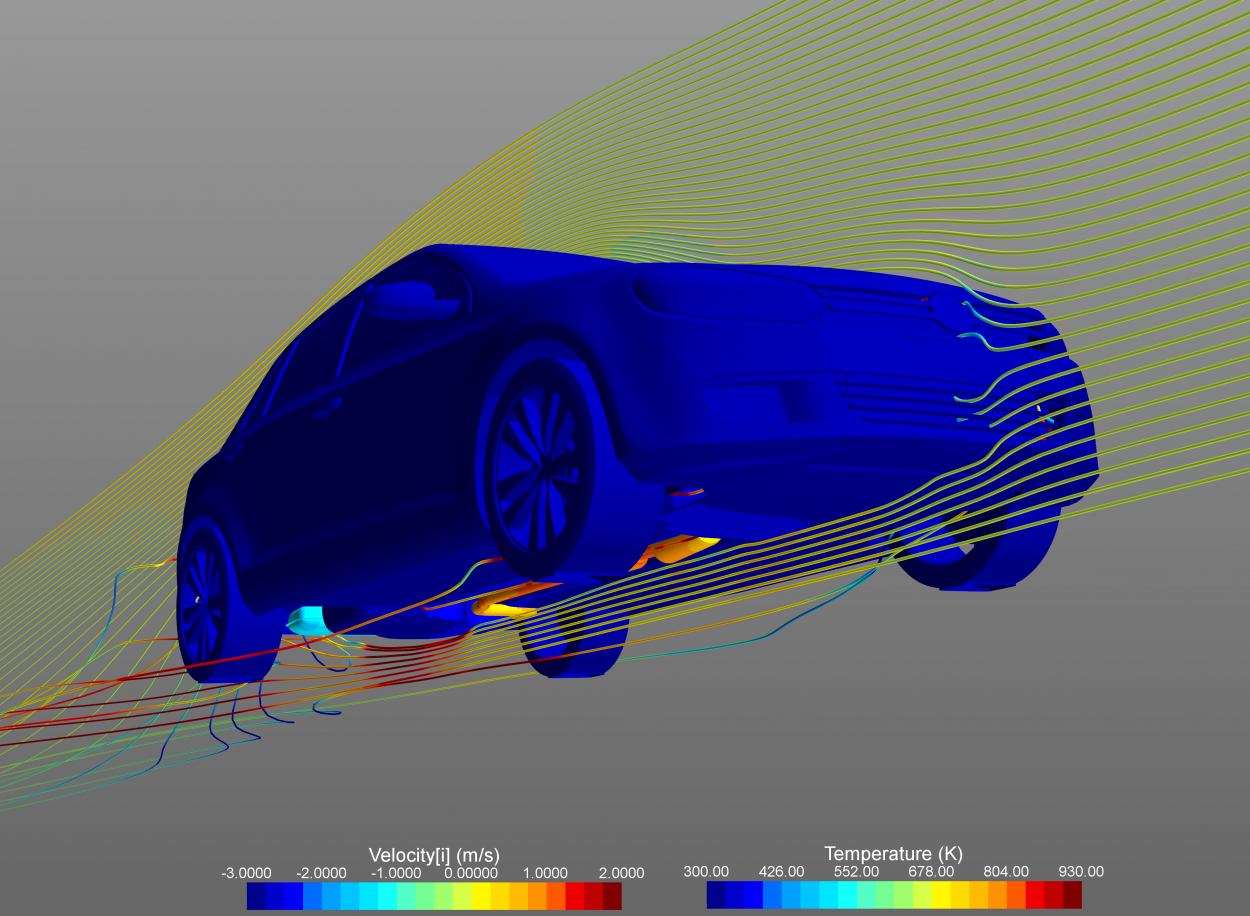
The Exhaust Extension uses transient, thermal simulation to solve thermal challenges in one of the most complex systems in a vehicle – the exhaust system. With a library of pre-built components and a simple set-up process, you can optimize your exhaust system design quickly, and understand how it will perform in hot soak or time-based scenarios.
The Exhaust Extension is built to reduce set-up time, generate results quickly, and provide realistic solutions with transient simulation.
Getting Started
Training
The most efficient way to get started is to attend our two-day training. After the training, you will be proficient at using the TAITherm thermal analysis software on your own. Additional training is available to cover advanced topics such as infrared simulations, human comfort analysis, thermal comfort simulations, or advanced coupling processes such as steady-state coupling. We offer two training sessions a year in southeast Michigan, or we can arrange private training at your office.
Tutorials
Start on your own. Our step-by-step tutorials cover basic and advanced techniques. Once you have a software license, these tutorials are available for you to advance your knowledge.
Support
We are here to answer your questions at every step. We support our customers before and after the sale, our commitment to you never changes.