
Systems Integration & Co-Simulation
FMI/FMU Thermal Co-Simulation
Streamline Multi-Physics Workflows with 3D and 1D Coupling
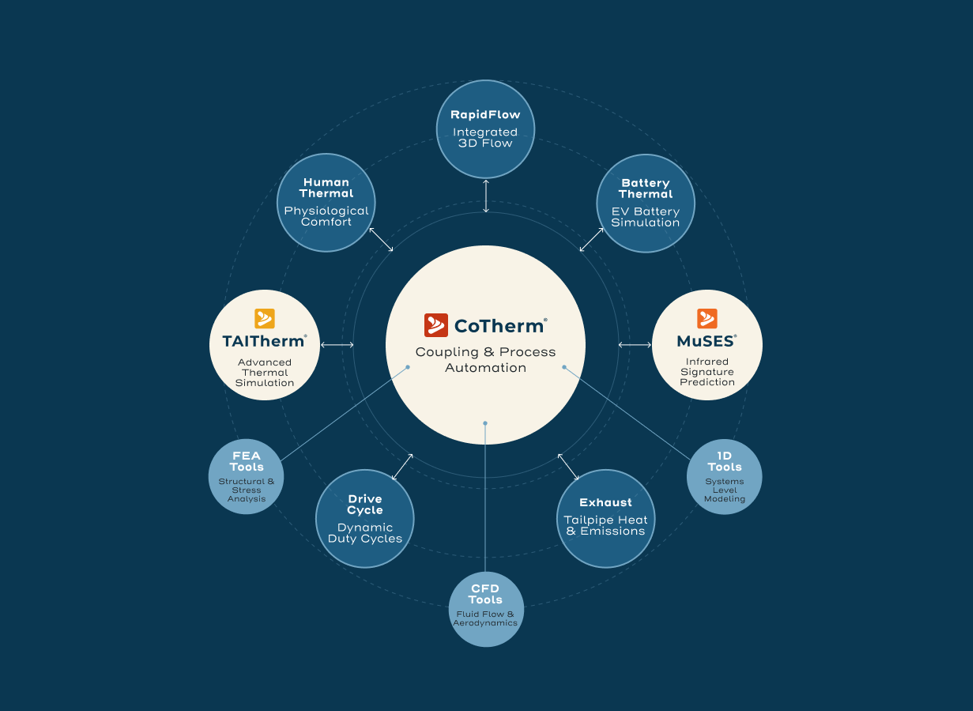
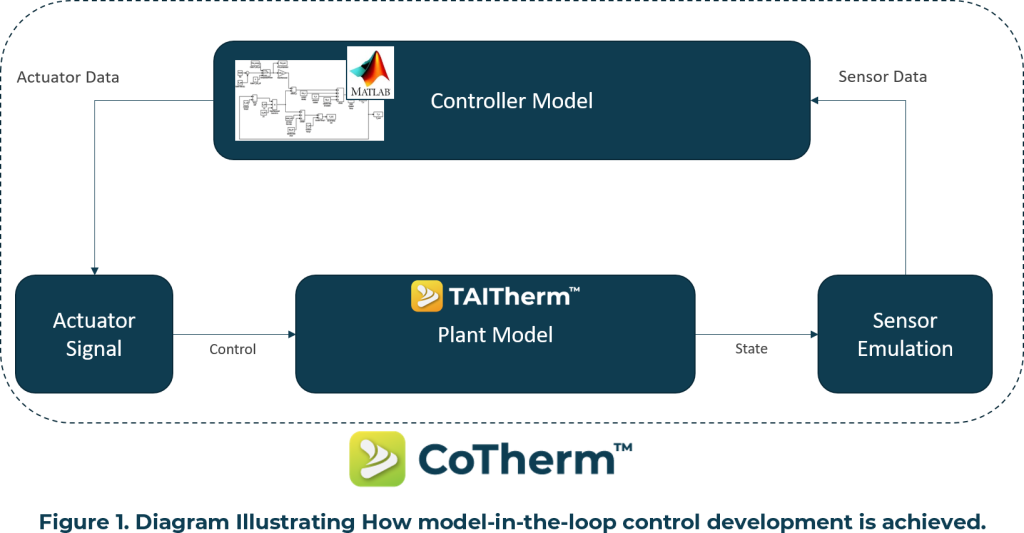
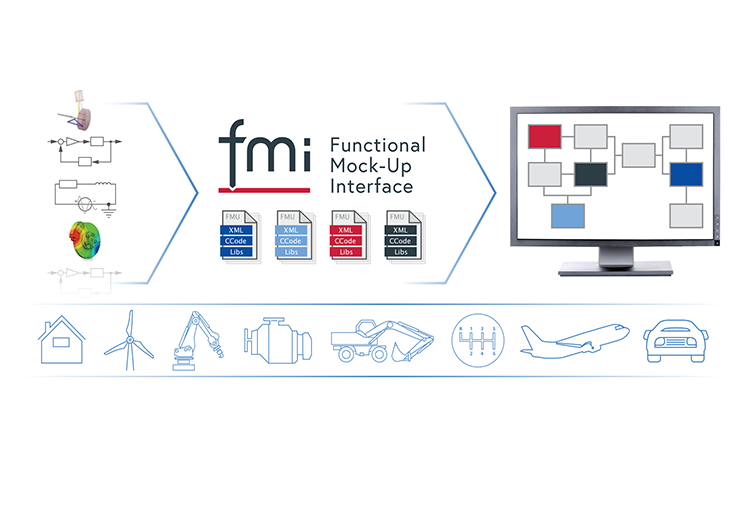
ThermoAnalytics products include multiple FMI/FMU workflows that provide a standardized, tool-agnostic framework for integrating high-fidelity 3D thermal models with complex 1D system simulations. By leveraging the Functional Mock-up Interface (FMI) standard, users can bridge the gap between 3D physics and system-wide performance. The two most common workflows are to export a TAITherm model as an FMU for use in system tools or to import an FMU representation of a system model within a CoTherm coupling process. These workflows facilitate seamless co-simulation between TAITherm or CoTherm and third-party tools such as MATLAB/Simulink, Amesim, GT-SUITE, Dymola, and Kuli. The result is a robust digital simulation that captures dynamic interactions – such as a vehicle’s HVAC controller reacting to real-time 3D cabin temperatures to optimize energy efficiency and thermal performance.



How It Works
At the core of this workflow is CoTherm, which acts as the FMI importer to orchestrate data exchange between 3D solvers and 1D system models. After importing the user’s provided FMU, CoTherm recognizes all input, parameter, and output variables defined by the FMU and allows them to be used for coupling – FMU inputs can be specified using any CoTherm variable symbols, and FMU outputs are monitored and can be assigned to any input variables of the 3D model(s).
During each coupling interval, CoTherm facilitates a two-way data handshake:
- Inputs to FMU: TAITherm passes high-fidelity 3D data (e.g., average cabin air temperature or heat flux) to the FMU.
- Outputs from FMU: The system model calculates the response (e.g., HVAC vent temperature or coolant flow rate) and returns these boundary conditions to the 3D thermal environment.
This iterative coupling ensures that the 1D control logic and 3D physical environment remain synchronized throughout transient simulations, providing a comprehensive solution for multiphysics challenges.

How It Works
This workflow allows a system modeling software which can import FMUs to integrate a 3D TAITherm model within its native modeling environment. This workflow starts by defining any desired interface variables as Input Parameters or Output Parameters in the TAITherm model, which become the FMU interface variables when exporting. After defining Parameters, an FMU can be exported from TAITherm which contains the model file and all supporting auxiliary files (weather, initialization models, etc) in a self-contained FMU.
This FMU can then be imported into a system model without requiring any TAITherm-specific coupling capabilities. At runtime, when the FMU is instantiated, TAITherm is automatically launched in the background and performs its calculations with inputs and results communicated via the FMI standard. This allows two-way transient coupling to be managed by the system modeling software.
Engineering Without Compromise
By integrating ThermoAnalytics into your design workflow, you transform thermal management from a reactive fix into a competitive advantage.
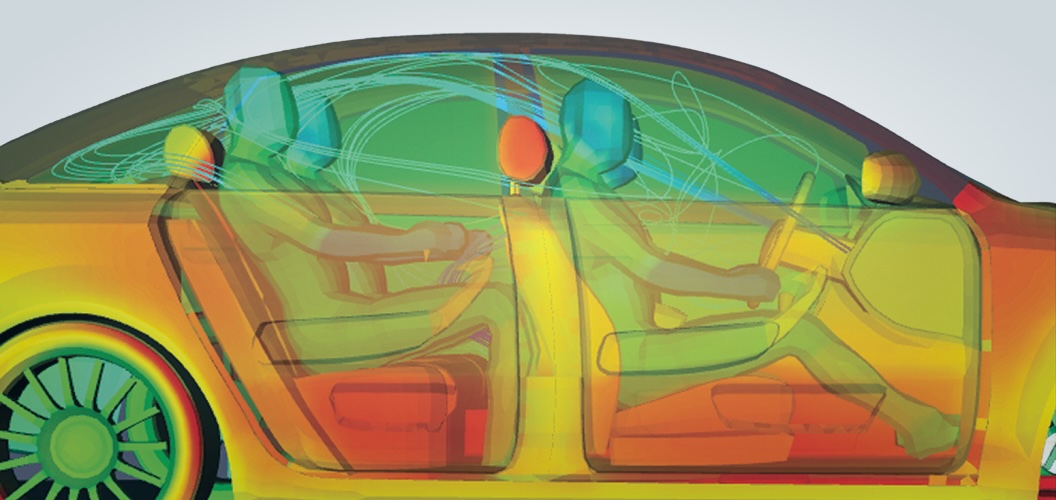
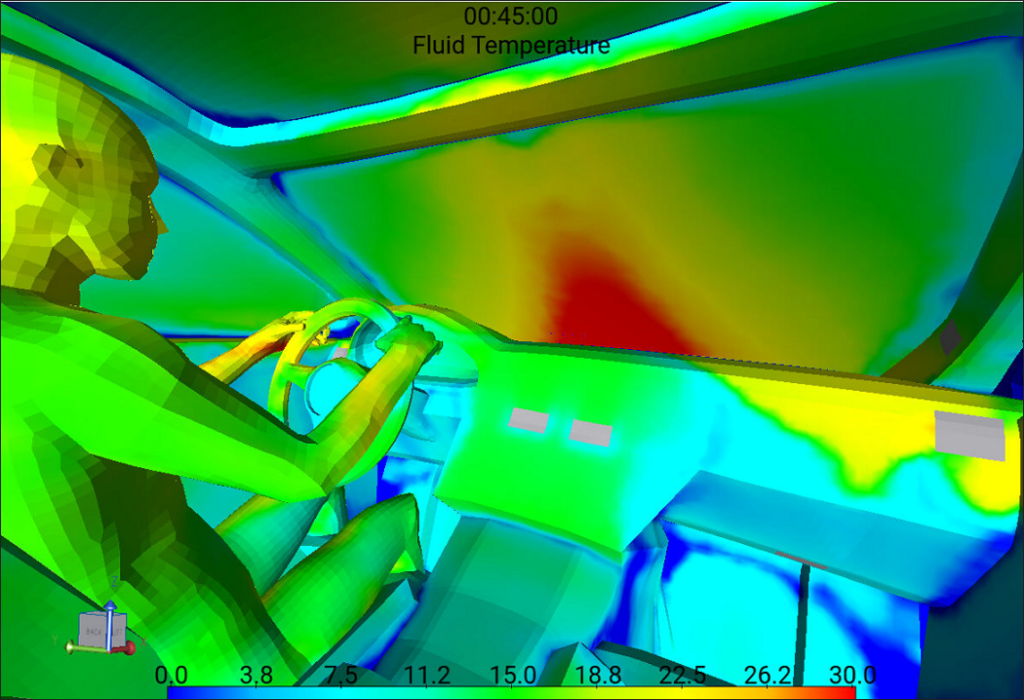
Vehicle Cabin Comfort & Energy Management
By coupling a 1D HVAC system model with a 3D cabin model and the Human Thermal Extension, engineers can simulate how a climate controller impacts localized human sensation and comfort. Analysis includes quantifying the energy cost of various heating/cooling strategies and optimizing defrost/defog cycles for energy efficiency.
Explore cabin Comfort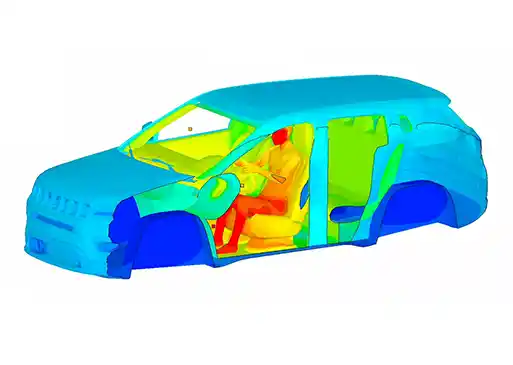
Aerospace Fuel System Analysis
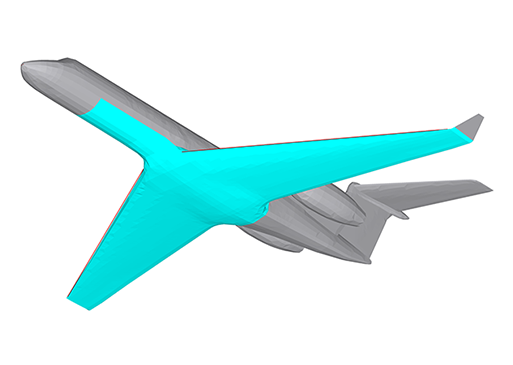
In aerospace, an FMU could represent the dynamic fuel system (among other systems), tracking fuel levels and fluid properties across a flight mission. TAITherm provides the 3D environmental heat transfer (solar loading, altitude effects, aerodynamic heating, and conduction) pertaining to the fuel system components. This analysis predicts how complex tank designs and other component details interact with the overall aircraft design and environmental conditions, ensuring propulsion systems and thermal management systems meet requirements.
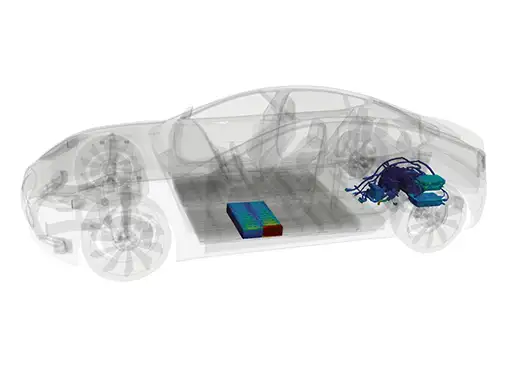
Battery Thermal Management
The FMI workflow allows for the integration of 1D electrochemical battery models with 3D thermal pack simulations. This analysis is critical for predicting cell-to-cell temperature gradients during fast-charging or high-discharge drive cycles. Engineers use this to design active cooling plates and verify that thermal management systems keep the pack within safe operating limits to prevent aging or thermal runaway.
Explore Battery thermal